
Documentation Index
Fetch the complete documentation index at: https://crewai-devin-1778040886-fix-hitl-pre-review-silent-fallback.mintlify.app/llms.txt
Use this file to discover all available pages before exploring further.
Overview
Use the Gmail Trigger to kick off your deployed crews when Gmail events happen in connected accounts, such as receiving a new email or messages matching a label/filter.Enabling the Gmail Trigger
- Open your deployment in CrewAI AMP
- Go to the Triggers tab
- Locate Gmail and switch the toggle to enable
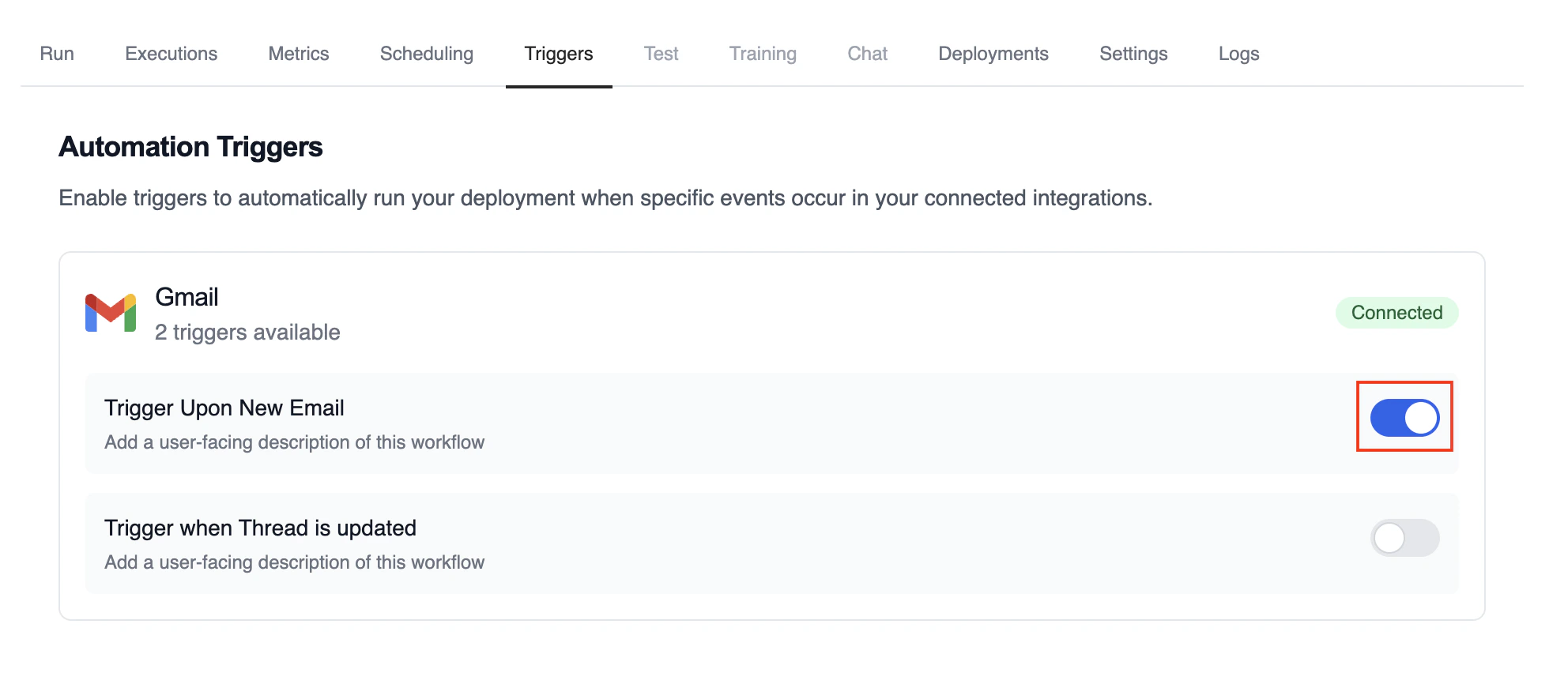
Example: Process new emails
When a new email arrives, the Gmail Trigger will send the payload to your Crew or Flow. Below is a Crew example that parses and processes the trigger payload.로컬에서 테스트
CrewAI CLI를 사용하여 Gmail 트리거 통합을 로컬에서 테스트하세요:crewai triggers run 명령은 완전한 Gmail payload로 크루를 실행하여 배포 전에 파싱 로직을 테스트할 수 있게 해줍니다.
Monitoring Executions
Track history and performance of triggered runs: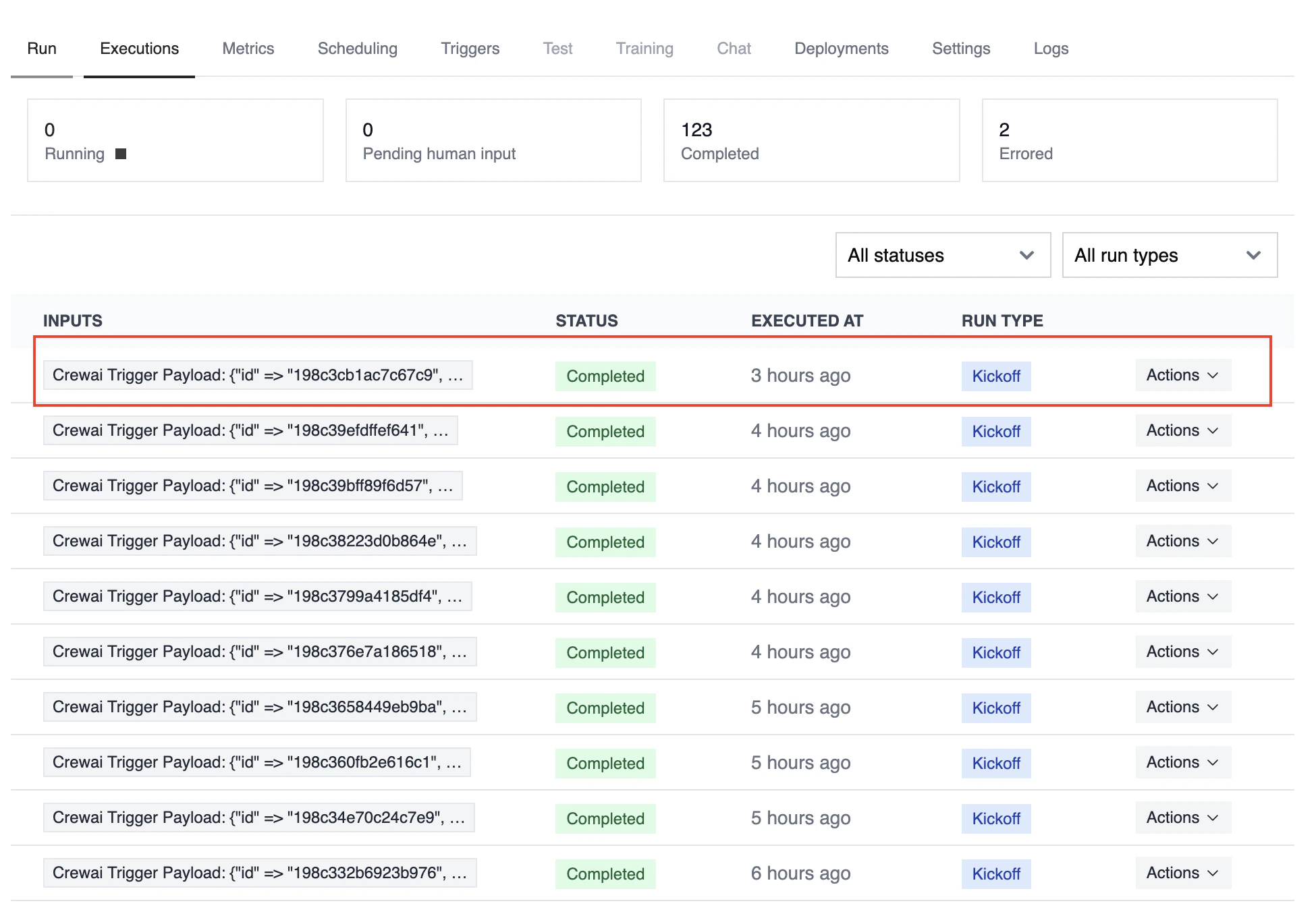
Troubleshooting
- Ensure Gmail is connected in Tools & Integrations
- Verify the Gmail Trigger is enabled on the Triggers tab
crewai triggers run gmail/new_email_received로 로컬 테스트하여 정확한 payload 구조를 확인하세요- Check the execution logs and confirm the payload is passed as
crewai_trigger_payload - 주의: 트리거 실행을 시뮬레이션하려면
crewai triggers run을 사용하세요 (crewai run이 아님)