
Documentation Index
Fetch the complete documentation index at: https://crewai-devin-1778040886-fix-hitl-pre-review-silent-fallback.mintlify.app/llms.txt
Use this file to discover all available pages before exploring further.
Overview
Use the Gmail Trigger to kick off your deployed crews when Gmail events happen in connected accounts, such as receiving a new email or messages matching a label/filter.Enabling the Gmail Trigger
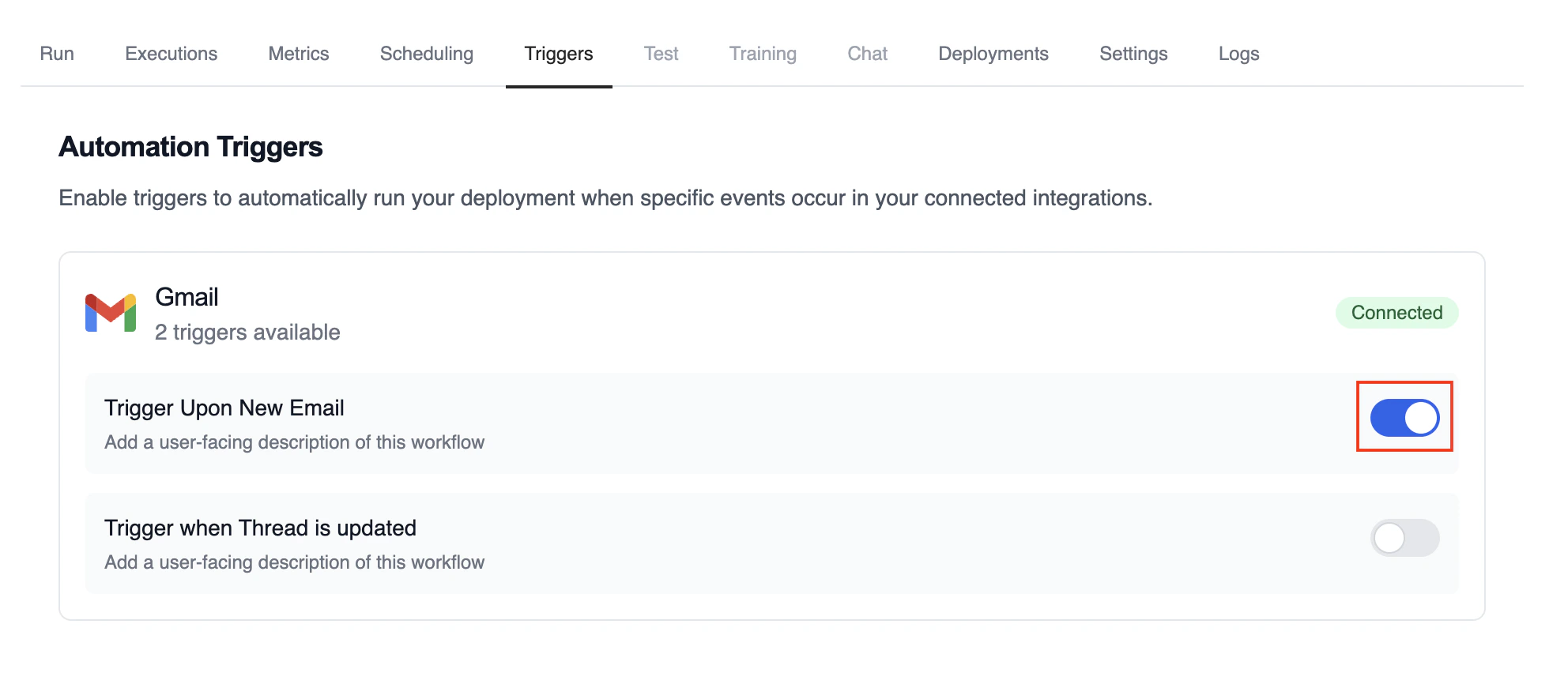
- Open your deployment in CrewAI AMP
- Go to the Triggers tab
- Locate Gmail and switch the toggle to enable
Example: Process new emails
When a new email arrives, the Gmail Trigger will send the payload to your Crew or Flow. Below is a Crew example that parses and processes the trigger payload.Testando Localmente
Teste sua integração de trigger do Gmail localmente usando a CLI da CrewAI:crewai triggers run executará sua crew com um payload completo do Gmail, permitindo que você teste sua lógica de parsing antes do deployment.
Monitoring Executions
Track history and performance of triggered runs: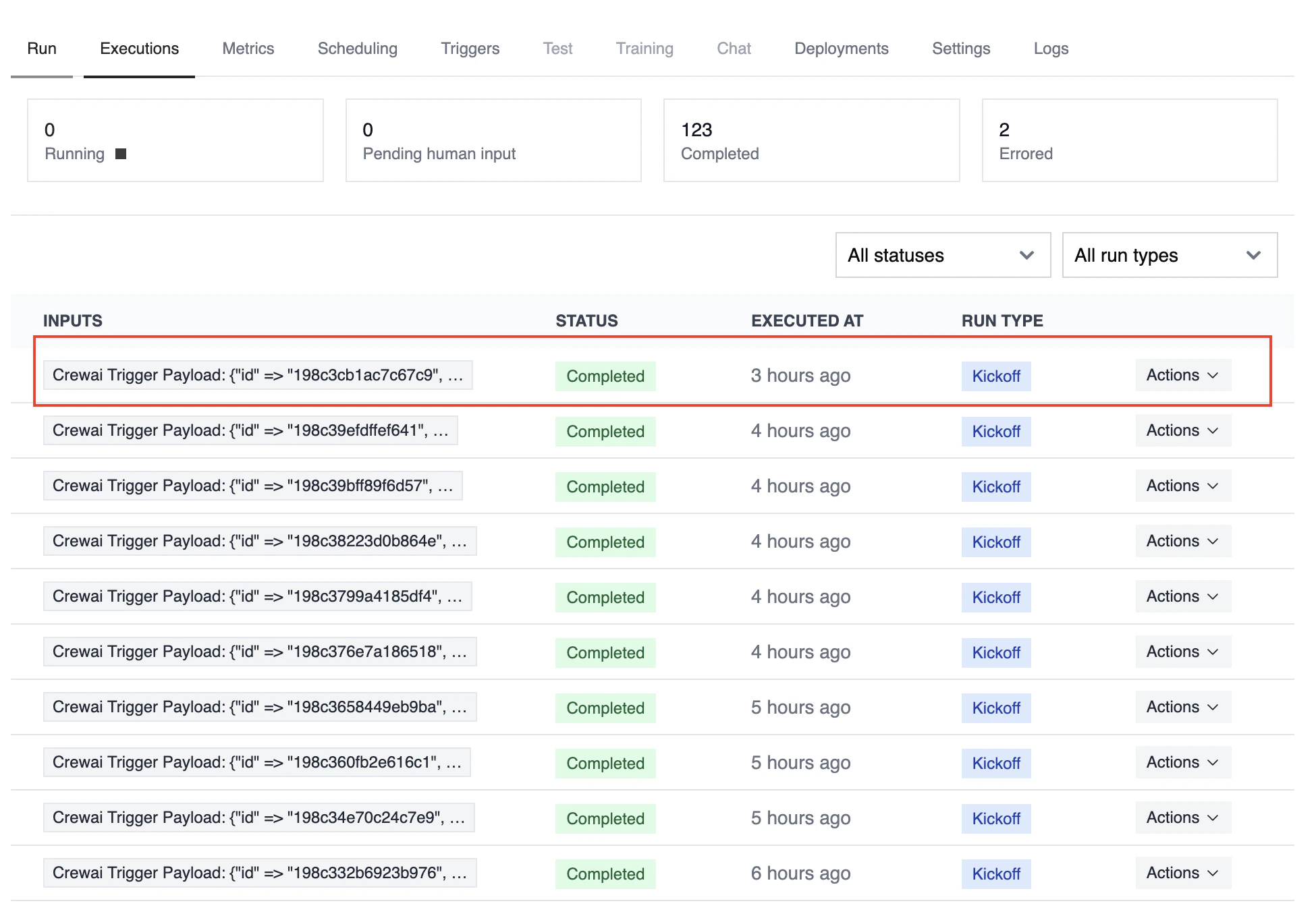
Troubleshooting
- Ensure Gmail is connected in Tools & Integrations
- Verify the Gmail Trigger is enabled on the Triggers tab
- Teste localmente com
crewai triggers run gmail/new_email_receivedpara ver a estrutura exata do payload - Check the execution logs and confirm the payload is passed as
crewai_trigger_payload - Lembre-se: use
crewai triggers run(nãocrewai run) para simular execução de trigger